Overview
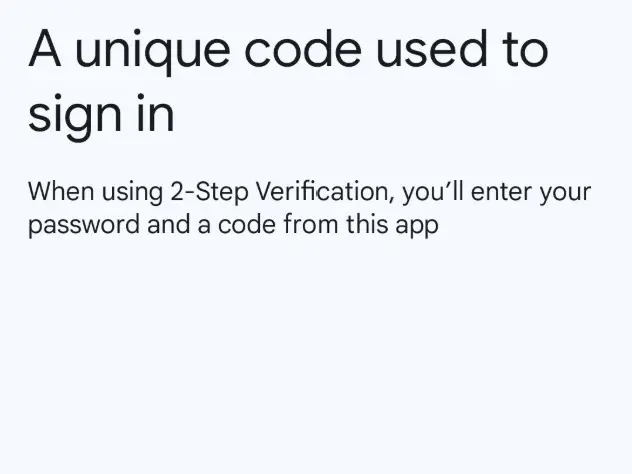
Google Authenticator adds an extra layer of security to your online accounts by adding a second step of verification when you sign in.
The Google Authenticator app has over 100 million downloads from the Google Play Store alone.
Benefits
Enhanced Security
- Protection Against Stolen Passwords: Even if a hacker obtains your password, they still cannot access your account without the unique, time-sensitive code generated by the app on your physical device.
- Superior to SMS Authentication: Google Authenticator is significantly more secure than receiving codes via text message, which can be intercepted through "SIM swapping" attacks or network vulnerabilities.
- Resistance to Phishing Attacks: The time-based one-time passwords (TOTP) help mitigate phishing risks because the generated codes change frequently (typically every 30 seconds), making a stolen code useless to an attacker after a very short time window.
- Protects Against Automated Attacks: It effectively blocks automated attacks like credential stuffing and brute-force attempts that rely solely on compromised passwords.
Convenience and Accessibility
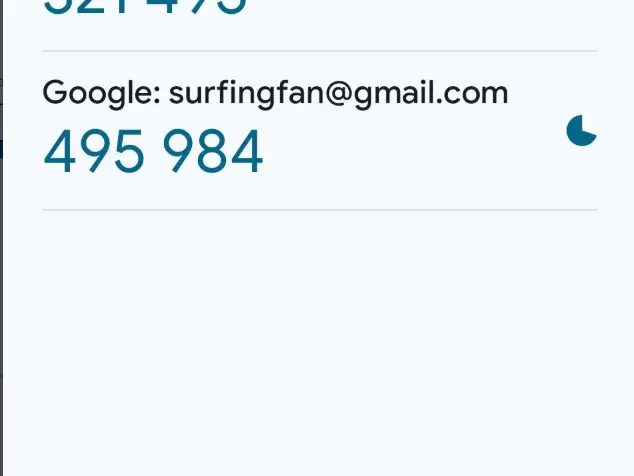
- Offline Functionality: The app generates codes locally on your device using a shared secret key and the current time, meaning it functions without an internet connection or mobile service.
- Multi-Account Support: A single Google Authenticator app can be used to manage 2FA codes for multiple online accounts and services, including non-Google platforms that support TOTP or HOTP standards.
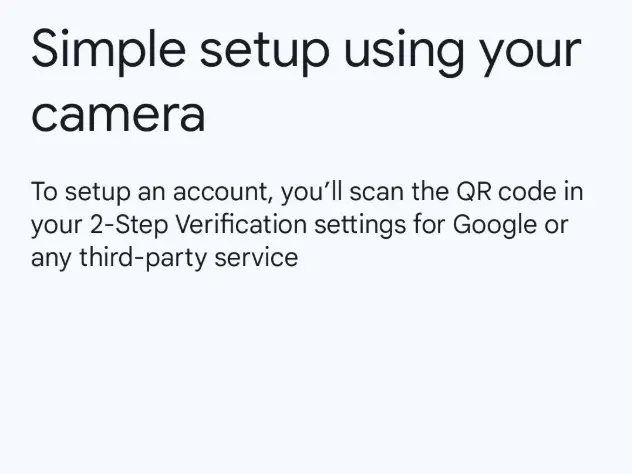
- Easy Setup: Accounts can typically be linked quickly by scanning a QR code, which minimizes manual entry errors.
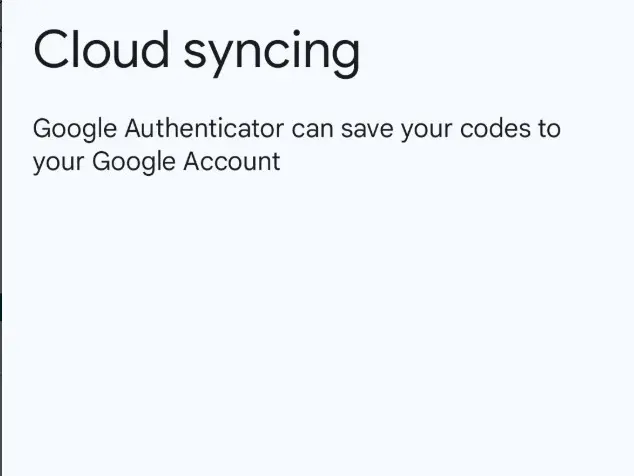
- Account Recovery/Transfer: The app offers features to export/import accounts via QR codes or sync codes to your Google Account (with the optional cloud backup feature) to help you regain access if you lose your phone or switch to a new device.
- Cost-Effective: The Google Authenticator app is free to download and use, providing a strong security upgrade without any subscription costs.
Key Features
- ✓ Access Request Management
- ✓ Account Transfer
- ✓ App Lock
- ✓ Backup and Restore
- ✓ Biometric Authentication
Details
Best For
Small (21-200 Employees)Medium (201-10,000 Employees)Large (10,000+ Employees)
Deployment
Cloud
Platforms
AndroidiOSLinuxWindowsMac
Support & Training
Support Options
24/7 Live SupportChatEmailPhoneTraining
Training Resources
VideosDocumentationWebinars
Global Headquarters
Name
Google HQ
Address
1600 Amphitheatre Parkway, Mountain View, CA 94043
Country
United States
Media
Write a Review
Please log in as a customer to submit a review.
LoginReviews
No reviews yet. Be the first to review this item!