Overview
Google Classroom is a free, online learning platform from Google that simplifies creating, distributing, and grading assignments, streamlining communication, and organizing digital classrooms for teachers and students, integrating seamlessly with tools like Docs, Drive, Calendar, and Meet for a paperless experience in person, hybrid, or remote learning.
Google Classroom is designed primarily for educational institutions of all sizes (K-12, higher education, etc.) but is also used by companies ranging from small businesses to large enterprises for internal training.
Google Classroom acts as a central hub for class materials, announcements, and collaboration, making digital learning efficient and accessible.
Benefits
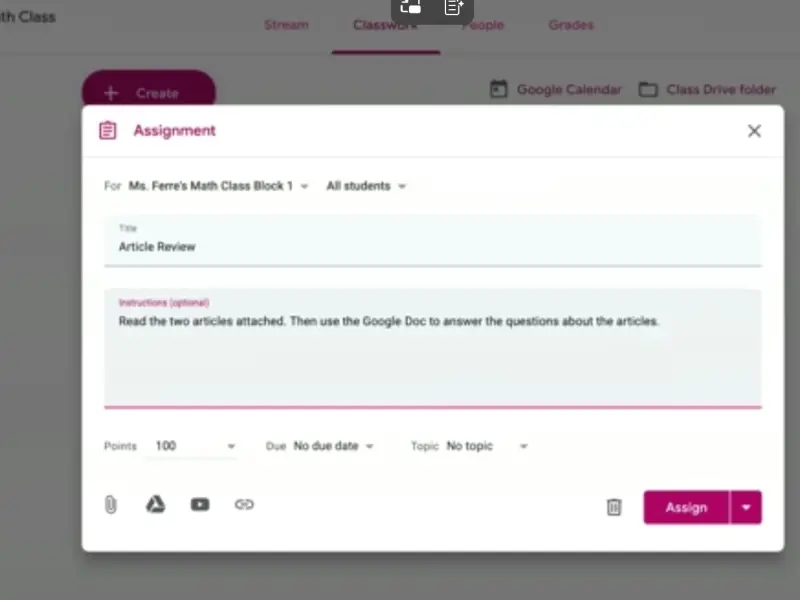
- Streamlined Assignment Workflow: Teachers can easily create, distribute, and collect assignments digitally, reducing paper use and administrative hassle. The platform also offers tools for efficient grading, including built-in rubrics, comment banks for frequently used feedback, and originality reports to check for plagiarism.
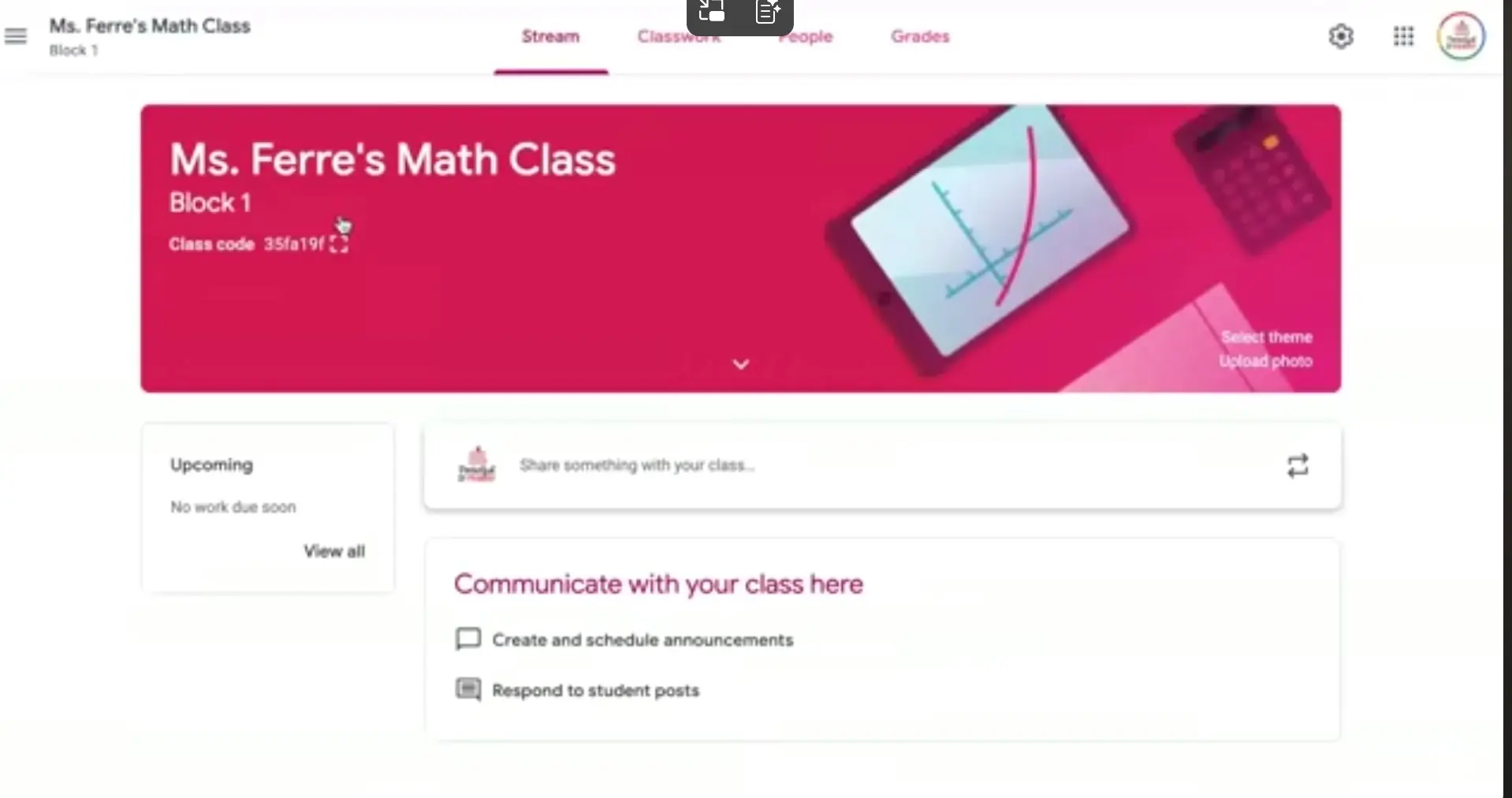
- Enhanced Communication and Collaboration: Google Classroom acts as a central hub where teachers can post announcements to a class stream, engage students in discussions, and provide private, real-time feedback on their work. Students can collaborate on projects using integrated tools like Google Docs, Sheets, and Slides.
- Accessibility and Flexibility: As a cloud-based platform, Google Classroom is accessible from any device with an internet connection (computers, tablets, or smartphones), allowing students to access materials and submit work anytime, anywhere. This is particularly helpful for absent students and supports remote or hybrid learning models.
- Organization and Structure: The platform automatically organizes coursework and materials into topics and folders in Google Drive and adds assignment due dates to a class calendar, making it easy for students and teachers to stay organized.
- Integration with Other Tools: Google Classroom seamlessly integrates with other Google services like Gmail, Google Meet (for video conferencing), and Google Forms (for quizzes and surveys), creating a unified educational ecosystem. It also supports various third-party educational add-ons.
- Parent/Guardian Involvement: Teachers can invite parents and guardians to receive email summaries of a student's progress, upcoming deadlines, and missing work, ensuring everyone in the student's support system stays informed.
- Preparation for the Future: Using the platform helps students develop essential digital literacy and collaboration skills, preparing them for higher education and modern workplaces that increasingly rely on technology.
- AI-Powered Tools: The platform is integrating AI features, such as suggested quiz questions, interactive practice sets that provide real-time feedback, and tools to help teachers with lesson planning, enhancing personalization and saving time.
Key Features
- ✓ Assignment Creation & Management
- ✓ Communication
- ✓ Grading & Feedback
- ✓ Organization & Templates
- ✓ Reports
Details
Best For
Deployment
Platforms
Industries
Support & Training
Support Options
Training Resources
Global Headquarters
Name
Google LLC
Address
1600 Amphitheatre Parkway Mountain View, CA 94043
Country
United States
Media
Alternatives

Write a Review
Please log in as a customer to submit a review.
Login