
Microsoft Power Automate
Business Process Automation Software
Starting from $15Monthly
Free Trial Available Overview
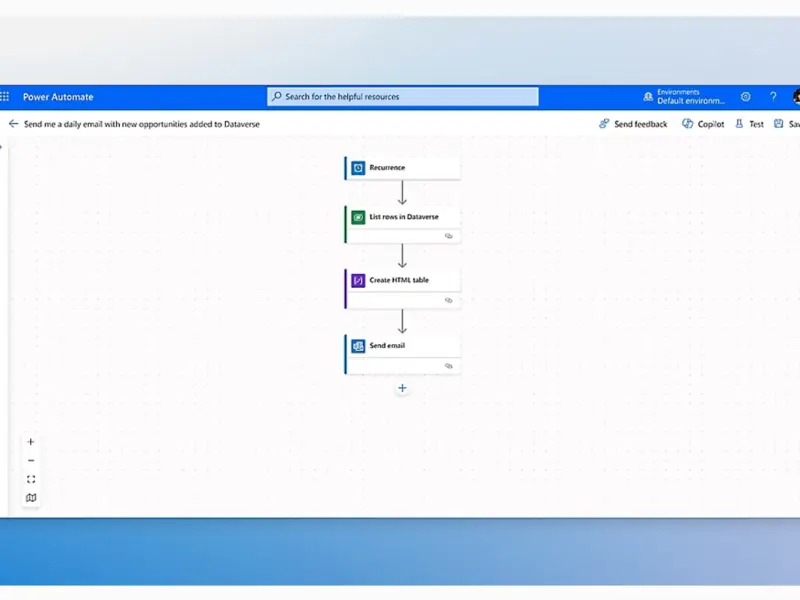
Microsoft Power Automate, previously known as Microsoft Flow until November 2019, is a SaaS platform by Microsoft for optimizing and automating workflows and business processes.
Microsoft Power Automate is part of the Microsoft Power Platform line of products, which include Power Apps and Power BI.
Benefits
- Increased Productivity & Efficiency: Automates manual, repetitive tasks (like data entry, notifications, approvals), freeing employees for high-value work.
- Cost Reduction: Streamlines operations, reduces errors, and optimizes resource usage, leading to lower operational costs.
- Enhanced Data Accuracy: Minimizes human error by automating data handling, ensuring consistency and reliability.
- Improved Workflow Management: Standardizes and guides complex, multi-step processes across departments and system.
- Seamless Integration: Connects with hundreds of apps (Microsoft 365, Dynamics 365, SharePoint, etc.) and external services, creating unified digital ecosystems.
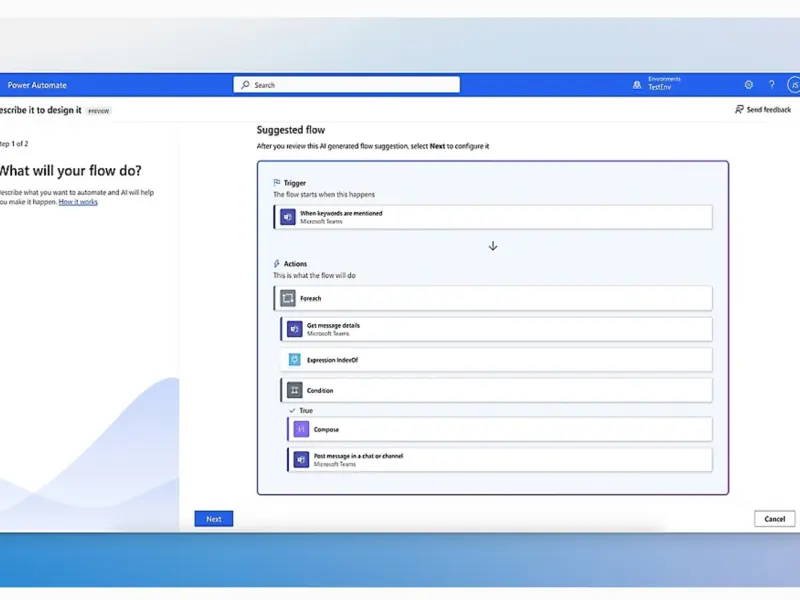
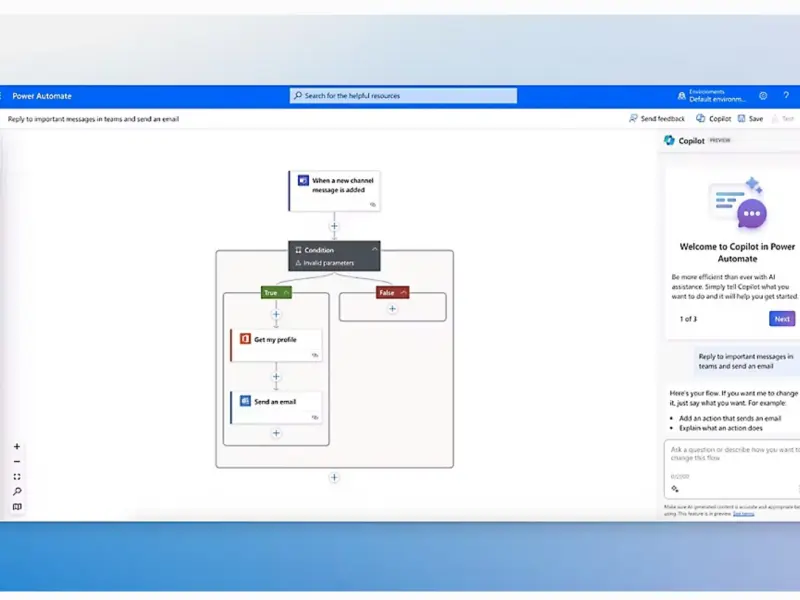
- User-Friendly Automation: Low-code/no-code interface with drag-and-drop functionality empowers non-technical users to build flows easily.
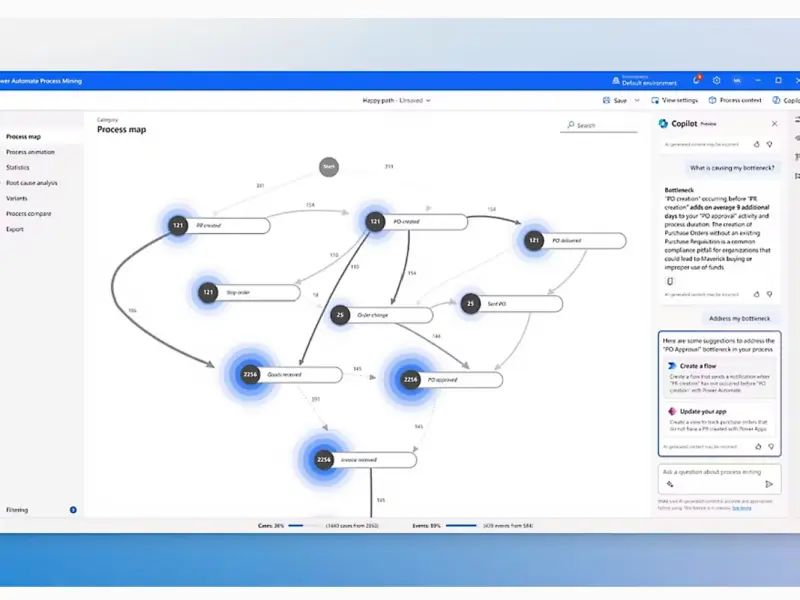
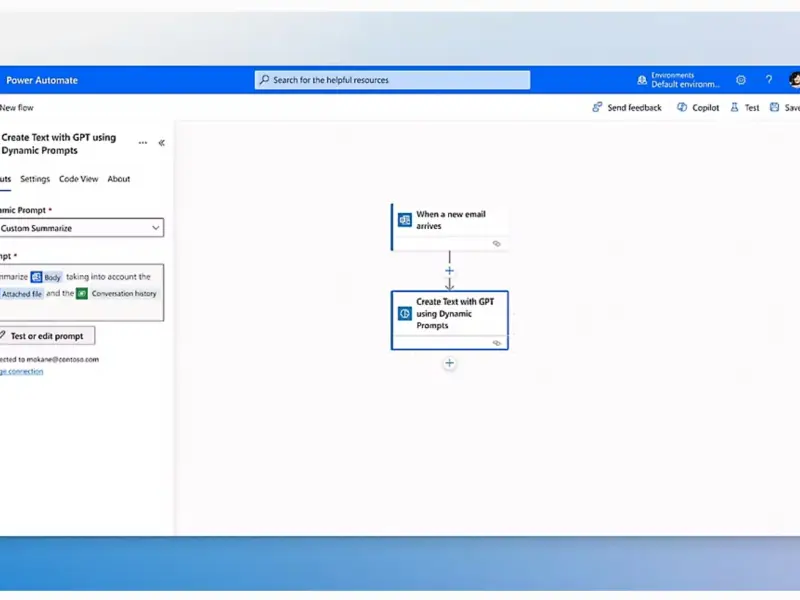
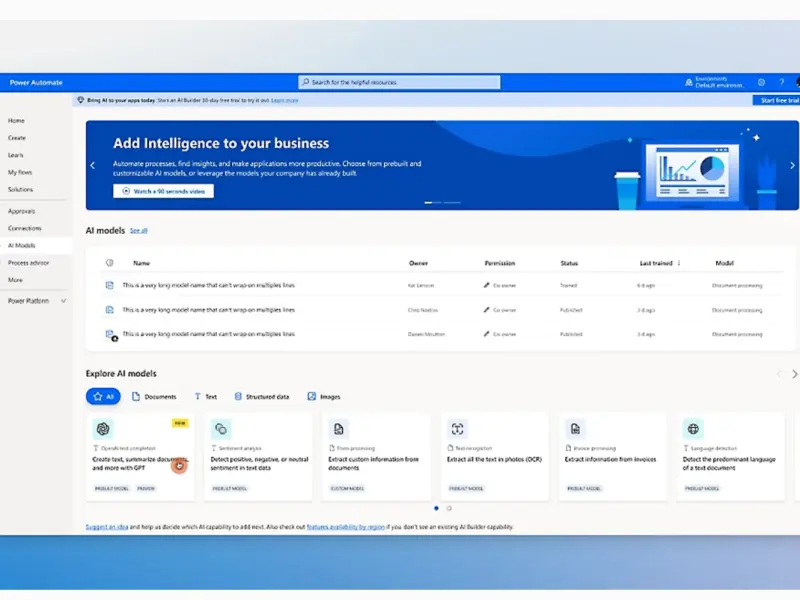
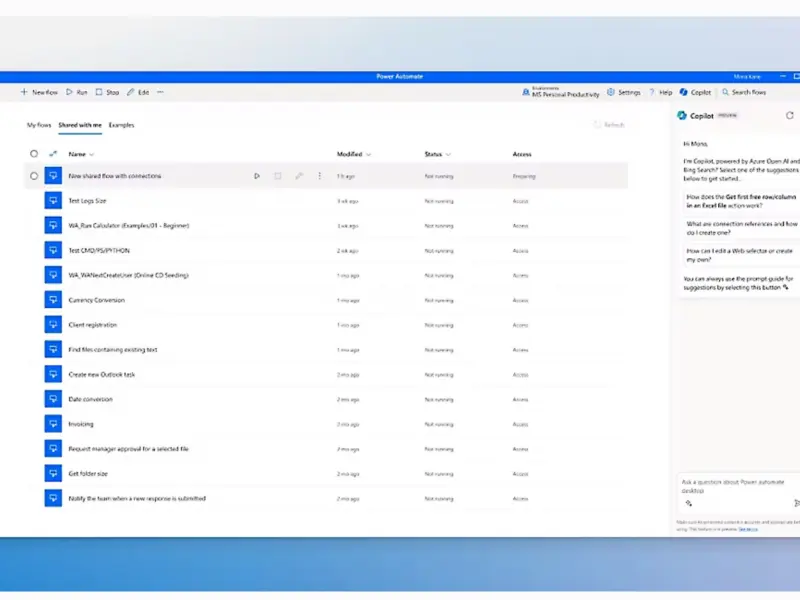
- AI-Powered Automation: Incorporates AI Builder for intelligent document processing, sentiment analysis, and Copilot for natural language automation.
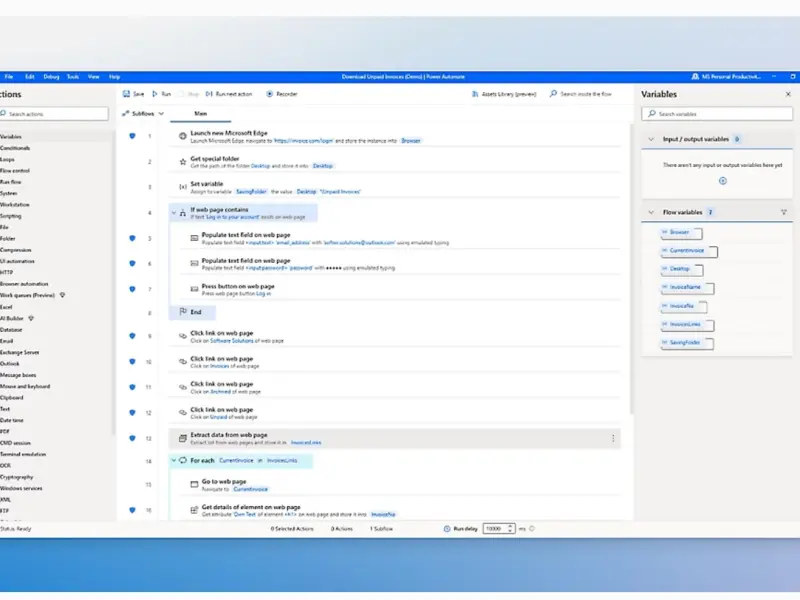
- Robotic Process Automation (RPA): Automates legacy or desktop-based tasks, bridging modern and older systems.
- Robust Governance & Security: Offers visibility, control, and data loss prevention (DLP) policies to manage automations securely at scale.
- Real-Time Insights: Sends instant notifications and provides data flow, enabling faster, data-driven decisions.
Key Features
- ✓ Access Controls/permissions
- ✓ AI Builder
- ✓ Approval Process Control
- ✓ Approval Workflow
- ✓ Audit Logs
Details
Best For
Small (21-200 Employees)Medium (201-10,000 Employees)Large (10,000+ Employees)
Deployment
Cloud
Platforms
AndroidiOSLinuxWindowsMac
Industries
ManufacturingHealthcareFinancial ServicesUtilitiesOil & EnergyRetailTelecommunicationsDefense & SpaceEducationIT Services (Information Technology) & Consulting
Support & Training
Support Options
24/7 Live SupportEmailChatPhoneTraining
Training Resources
DocumentationVideosWebinars
Global Headquarters
Name
Microsoft HQ
Address
One Microsoft Way, Redmond, Washington, 98052-7329, USA
Country
United States
Media
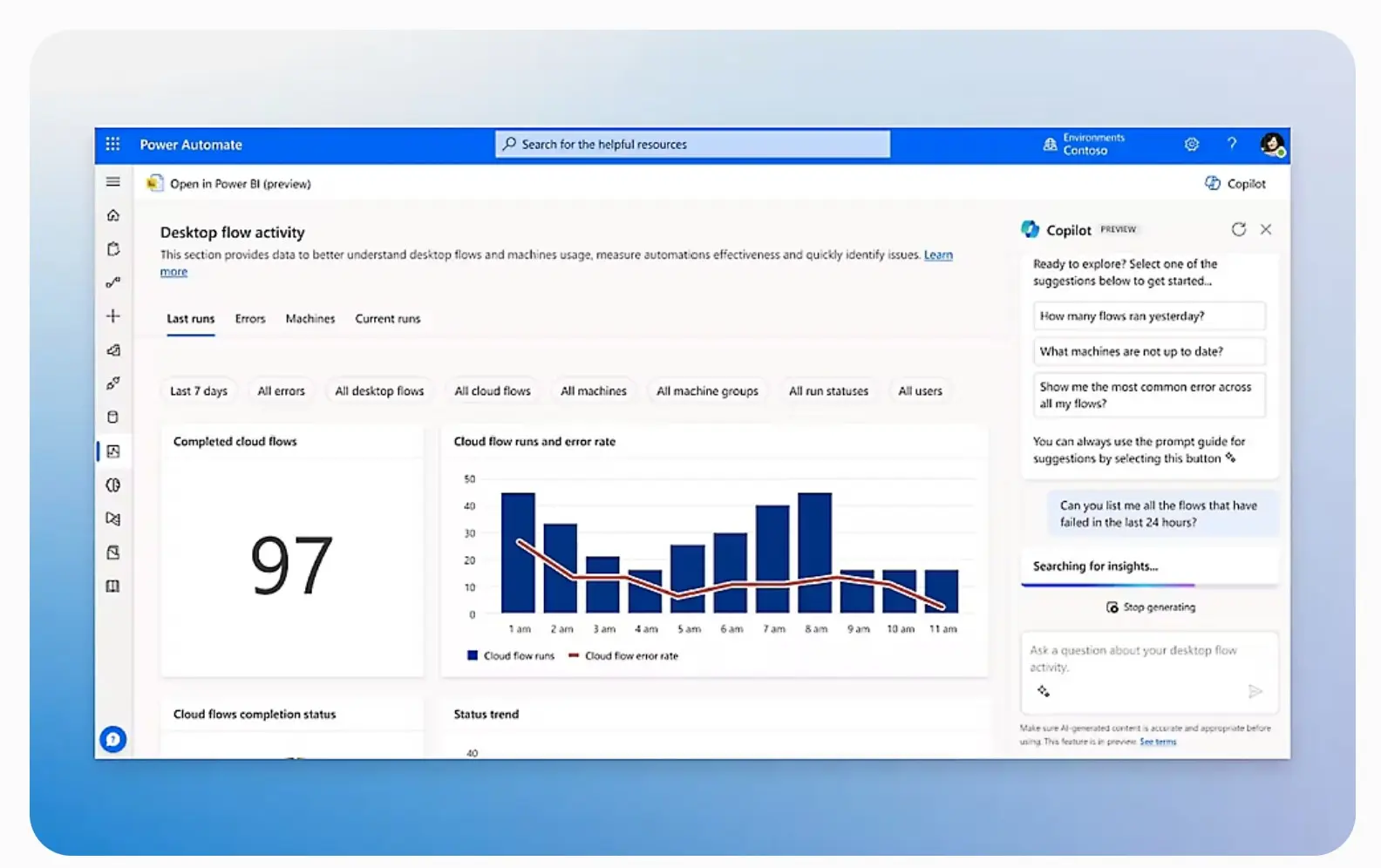
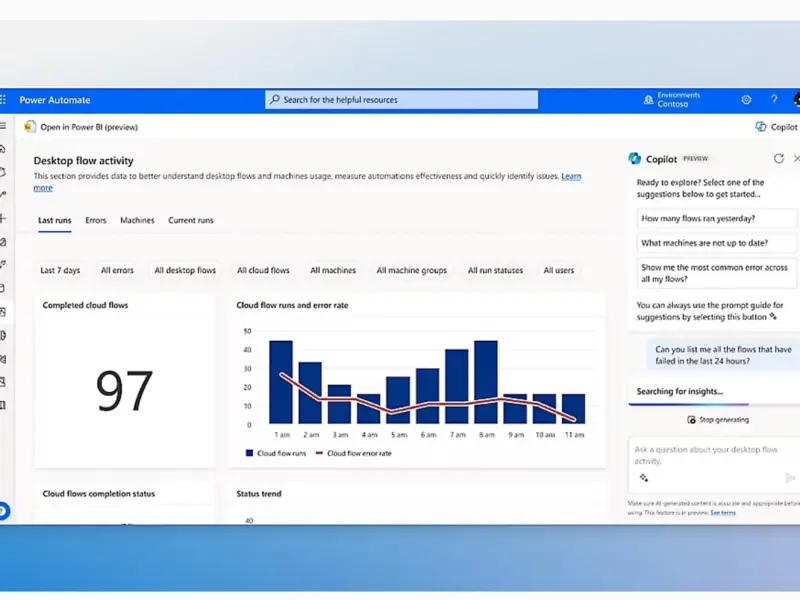
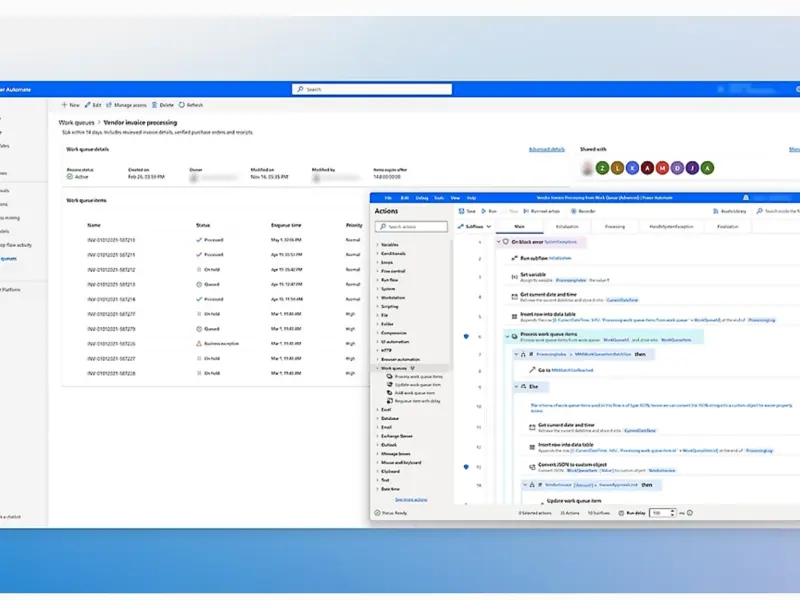
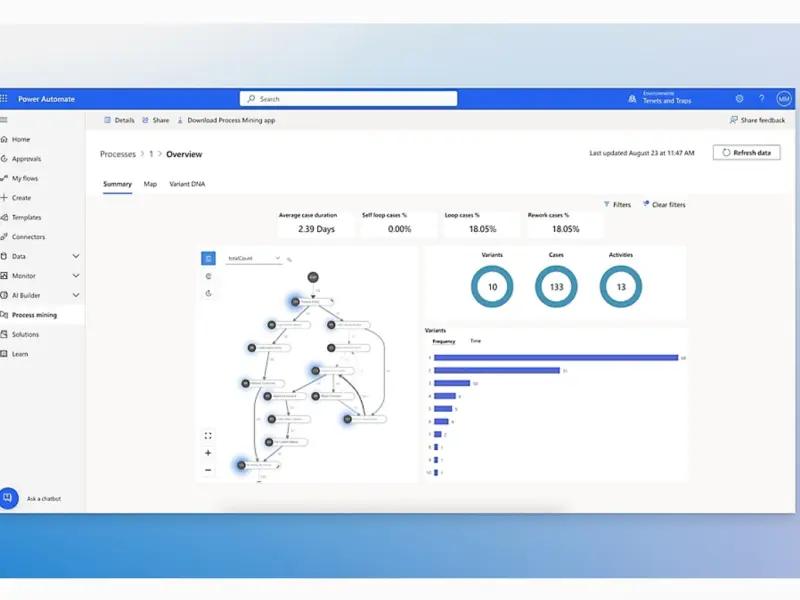
Write a Review
Please log in as a customer to submit a review.
LoginReviews
No reviews yet. Be the first to review this item!