Quickbooks Online
Overview
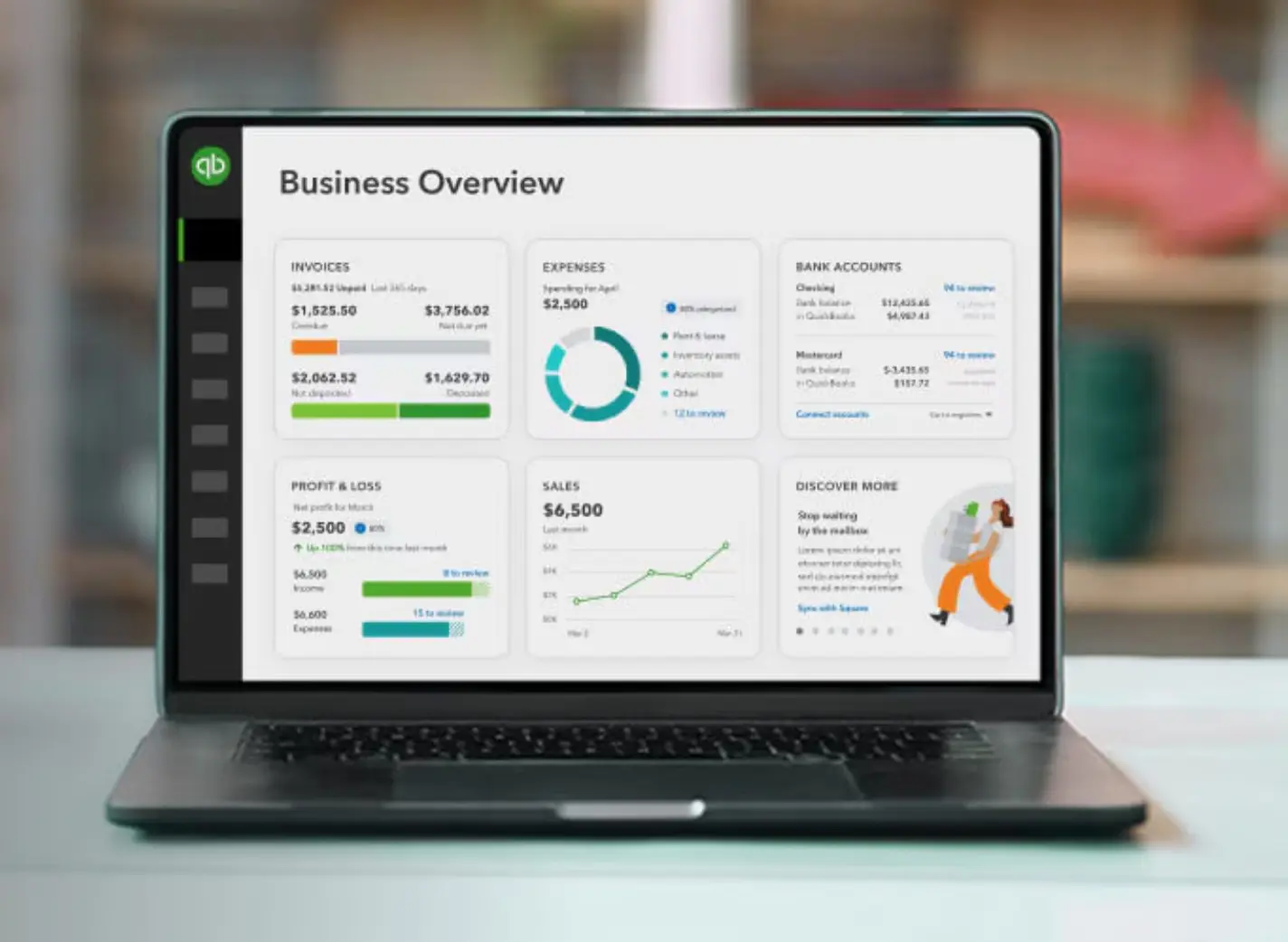
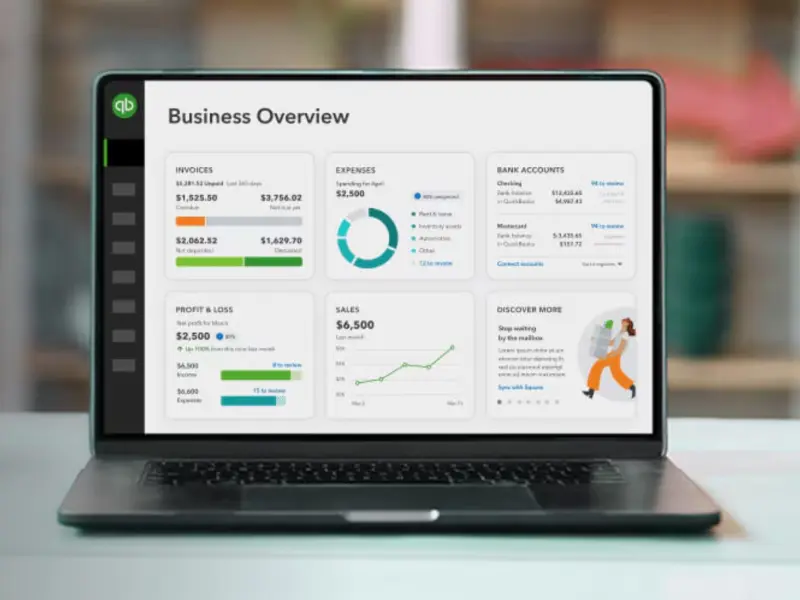
QuickBooks Online accounting software helps you manage your cash flow, track expenses, send invoices and more all in one place.
Intuit's leading cloud-based accounting software for small to medium businesses, QuickBooks Online manages finance anywhere, anytime by linking banks, tracking income/expenses, sending invoices, processing payroll, and generating reports, all accessible via a web browser or app with robust integration for other business tools.
Benefits
- Work from anywhere, anytime: Access your books securely from any device (desktop, mobile or tablet) without extra fees for remote access
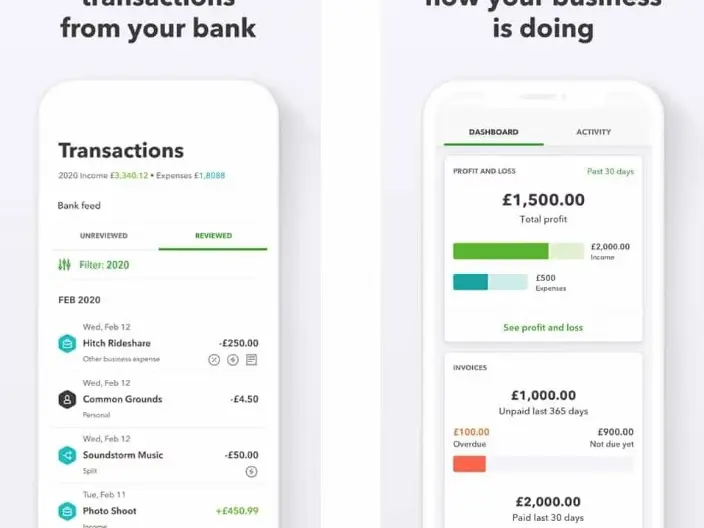
- Mobile invoicing and tracking: Send invoices, track expenses and monitor directly from your phone, with automatic updates
- Time-saving automations: Automate recurring tasks like invoicing, payments, reports, and bank reconciliations so that you can focus on growth
- AI-powered tools: Intuit Assist handles tedious tasks like invoice reminders, book management, and personalized communications
- Seamless Integrations: Connect with over 750 apps and link bank/credit card accounts for automatic data import, reducing manual entry
- Real-time visibility: Get instant Financial Insights and Reporting to make informed decisions quickly
- Simplified sales tax and compliance: Automatic tax calculations and worry-free filing ensure accuracy without hassle
- Automated Payroll and Employee benefit support: Handle payroll and employee benefits with ease -all integrated.
- Expert assistance: Access live bookkeepers, unlimited tax help, tutorials, webinars and support from real experts
Key Features
- ✓ Invoicing
- ✓ Expense tracking
- ✓ Bank Reconciliation
- ✓ Financial Reporting
- ✓ Inventory Management
- ✓ Time Tracking
- ✓ Payroll Management
- ✓ Multi Currency Support
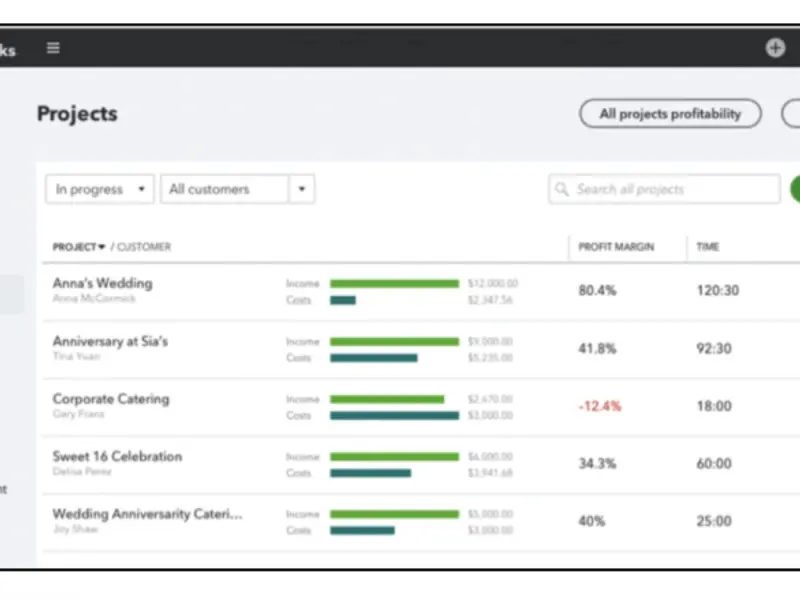
- ✓ Project Management
- ✓ Tax Management
- ✓ Mobile App
- ✓ Third Party Integrations
- ✓ Customizable Invoices
- ✓ Receipt Capture
- ✓ Estimates
- ✓ Sales Tax Calculation
- ✓ Budgeting & Forecasting
- ✓ Cash Flow Management
- ✓ User Permissions
- ✓ Automated Reminders
- ✓ Accounting
- ✓ Banking Integration
- ✓ Database Backup/restore
- ✓ Document Management
- ✓ Email Integration
- ✓ Expense Management
- ✓ Financial Management
- ✓ Multi user Login & Role Based Access Control
- ✓ Online Document Storage (Backup)
- ✓ Payment Gateway Integration
- ✓ Product Database
- ✓ Supplier and Purchase Order Management
- ✓ Quotation & Estimates
- ✓ Recurring Invoice & Billing
- ✓ Data Security
- ✓ Taxation Management
- ✓ Vendor Management
- ✓ Invoice Designer
- ✓ Employee Database
- ✓ Fast Search
- ✓ Accounts Payable
- ✓ Accounts Receivable
- ✓ Business Intelligence (BI)
- ✓ Inventory Control
- ✓ Online Payment
- ✓ Billing System
- ✓ Multi Layer Security
- ✓ Manage Customers and Suppliers
- ✓ Cash Management
- ✓ Ecommerce Integration
- ✓ Timesheet Management
- ✓ Balance Sheet
- ✓ Profit & Loss Statement
- ✓ Income Statement
- ✓ Custom Fields
- ✓ Inventory Tracking
- ✓ Multi Location
- ✓ Real Time Reporting
- ✓ Payment Processing
- ✓ Dashboard
- ✓ Analytics
- ✓ Receipt Management
- ✓ Discount & Schemes
- ✓ Sales Management
- ✓ Bookkeeping
- ✓ Reconcile Statements
- ✓ Import & Export Data
- ✓ Cost Tracking
- ✓ Kitting
- ✓ Excel Import
- ✓ GST Compliance
- ✓ Responsive support
- ✓ Reorder Management
- ✓ Tax Reporting
- ✓ Project Accounting
- ✓ Collections Management
- ✓ Client Portal
- ✓ Partial Payments
- ✓ Nonprofits
- ✓ Delayed Billing
- ✓ Dunning Management
- ✓ Multi Period Recurring Billing
- ✓ Subscription Billing
- ✓ Client Statements
- ✓ Retainer Billing
- ✓ Print or Email Invoices
🔥 Software Deals
Exclusive deals and special offers you won't want to miss
Details
Best For
Deployment
Platforms
Industries
Support & Training
Support Options
Training Resources
Media
Frequently Asked Questions
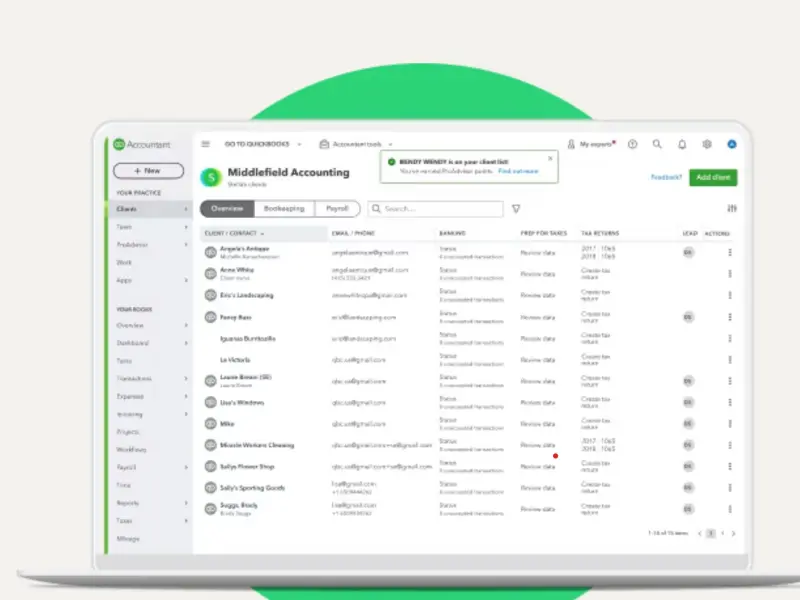
Your accountant will have access to all of the features available in your version of QBO. You can invite up to two accountants. Accountant users have additional privileges that allow them to undo entire reconciliations, reclassify transactions, and write off invoices
Write a Review
Please log in as a customer to submit a review.
Login